Get started
How-toGet help in the app
Ask the Help assistant how to set something up — it answers from these docs and links to the right article or shows the matching video.
Updated Sep 30, 2026
The Help button in the bottom-right corner of the app opens an assistant. You can also open it from Help → Ask a question at the bottom of the sidebar, next to Help center, which opens these docs. Ask it how to do something in ServiceReserve and it answers from our help articles and videos, with links so you can read more.
Ask a question
- 1
Open Help
Click Help in the bottom-right corner of any page, or Ask a question in the sidebar.
- 2
Ask or pick a suggestion
Type your question and press Enter, or click one of the suggested questions. Suggestions change with the page you're on.
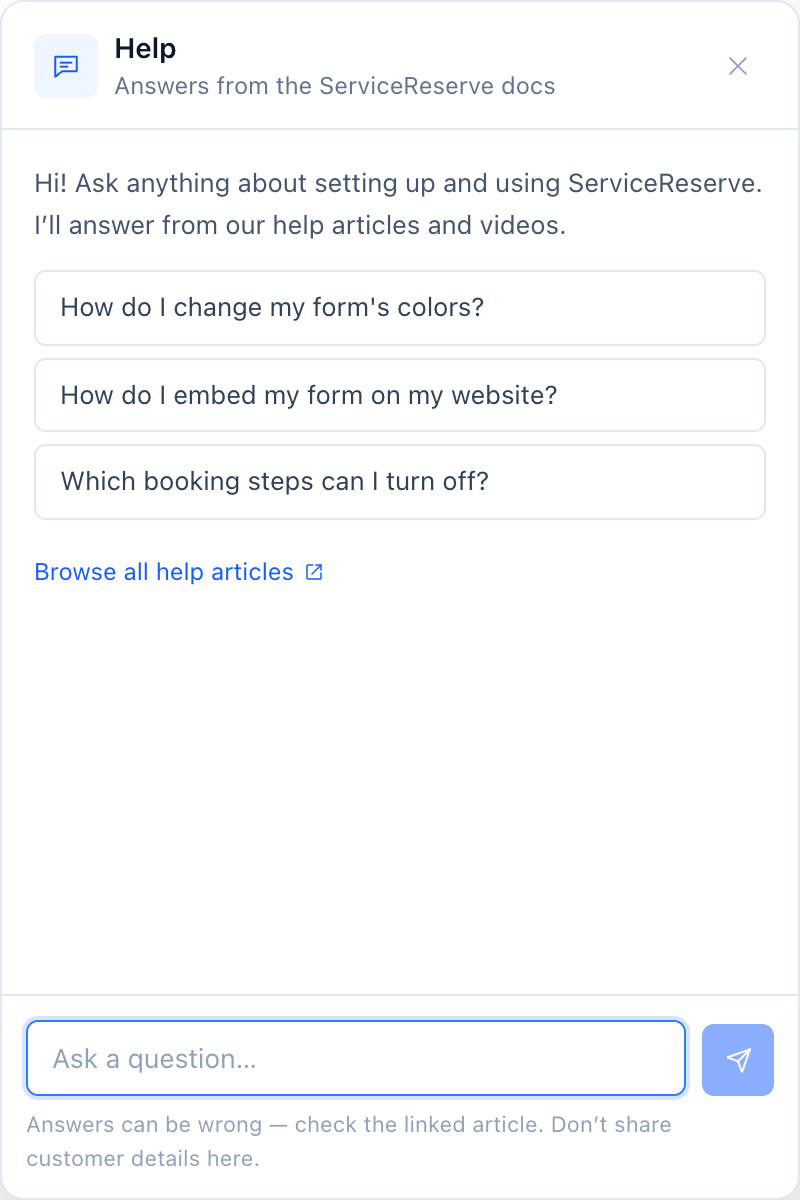
Opened from Booking Forms, so the suggestions are about forms. - 3
Follow the links
Each answer lists the articles it used. When a 1-minute video covers your question, it appears in the answer: press play to watch it right in the chat, or click Full guide to open the article.
Your conversation stays open as you move between pages. Click the refresh icon in the panel header to start a new chat.
Good to know
- The assistant only knows what's in these docs. It can't see or change your account, forms, or bookings.
- If the docs don't cover your question, it says so. Email [email protected] for help.
- Use the thumbs up or down under an answer to tell us whether it helped. We use this to improve the docs.
Related