Forms
How-toBusiness profiles
Import your Google Business Profile locations and turn on Reserve with Google to take bookings from Search and Maps.
Updated Sep 30, 2026
A business profile is a location linked to a booking form. Most profiles come from Google Business Profile. With Reserve with Google on, Google shows a Book online button on that location's Search and Maps listing.
Import from Google
- 1
Open Business Profiles
In the sidebar, click Business Profiles, then Import from Google.
- 2
Connect your account
Click Connect Google Account and sign in with the Google account that manages your Business Profile.
- 3
Pick locations
Select the locations to import. If you have more than one form, choose one under Assign imported profiles to form. It starts on your default form. Click Import.
Greyed-out locations are marked Already imported, or Unavailable when another ServiceReserve account already manages the listing.
To add a location without Google, click Add manually on the Business Profiles page.
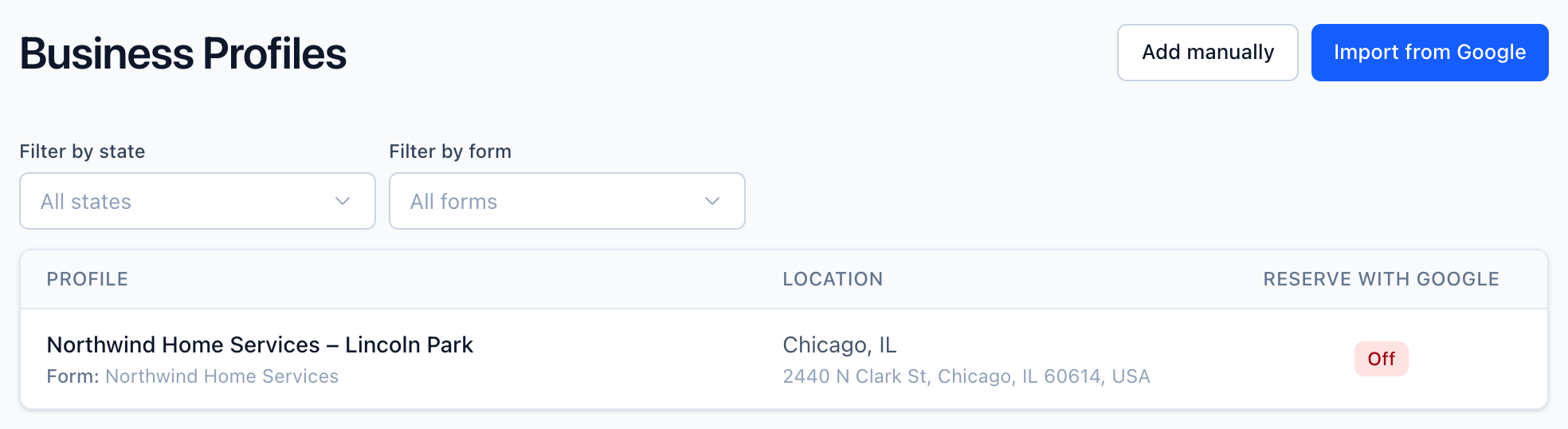
To move a profile to another form, open it and change Linked booking form.
Reserve with Google
Open a profile and click Enable under Reserve with Google. The Book online button can take 24–48 hours to appear on your Google Business Profile. To turn it off, click Disable. The button disappears from Google within 24–48 hours.
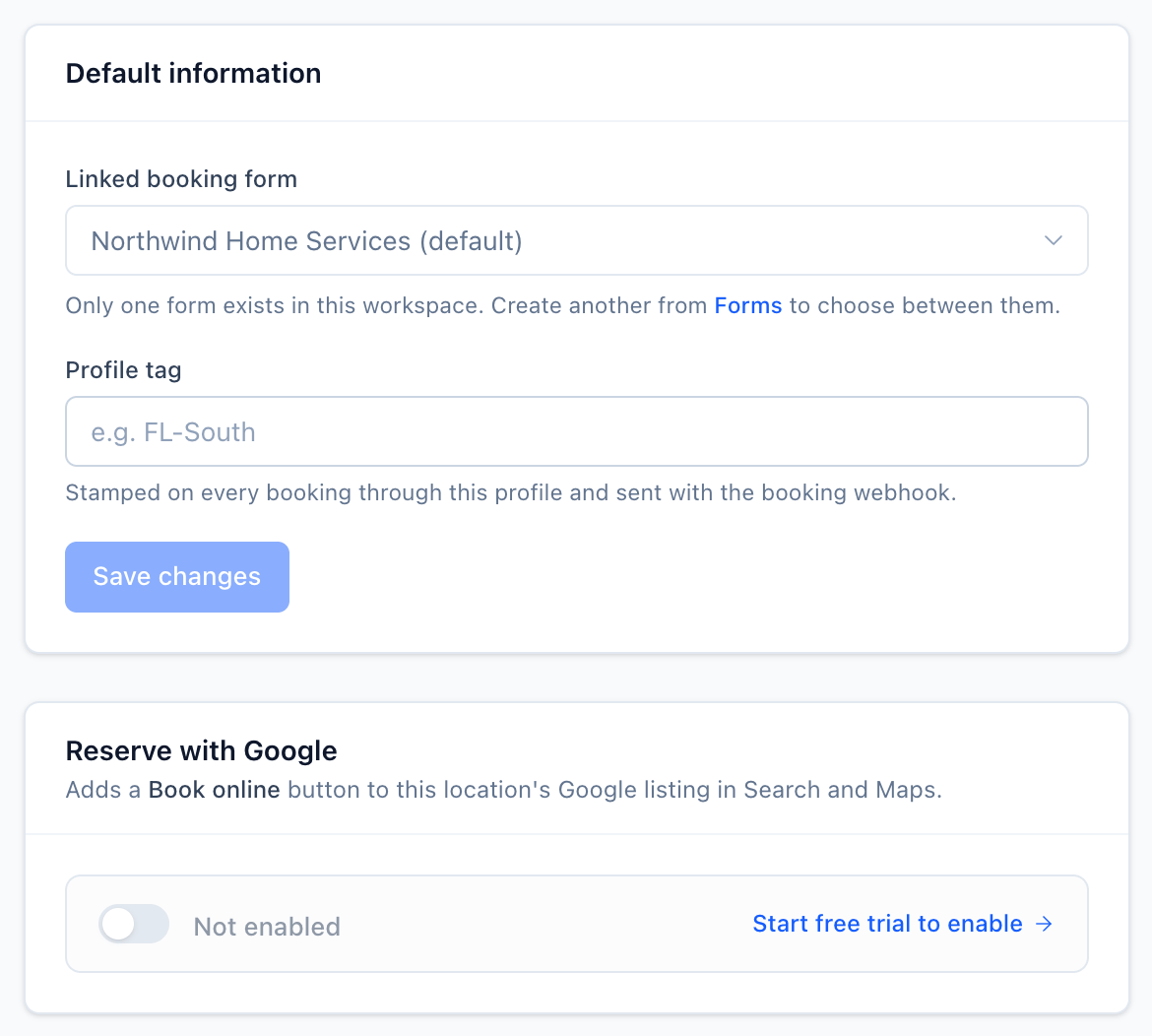
You can enable it when:
- You've started your free trial or have a subscription. Otherwise you see Start free trial to enable.
- The profile has a full street address with ZIP, city, and state.
Every active profile counts as one seat on your subscription, whether Reserve with Google is on or off. See RWG seats for how seats are billed.
Multiple profiles per form
A form can serve any number of profiles. Each profile gets its own Book online button on Google, and they all share the form's steps and branding. When a customer arrives from a profile's link, the booking page header shows that location's name and address.
Related