Billing
ReferencePlans
One plan at $25/month per active business profile — what's included, the free trial, and what happens if you don't subscribe.
Updated Sep 30, 2026
ServiceReserve has one plan: $25/month per active business profile, billed monthly through Stripe. Everything is included — unlimited forms, unlimited requests, integrations, the public API, and Reserve with Google.
Before your trial
A new workspace is free while you set up. You can build forms, services, and schedules, import business profiles, and browse integrations. Turning on Reserve with Google or an integration requires starting your free trial first.
Free trial
- 30 days, with full access.
- You add a card through Stripe Checkout. You pay $0 today.
- When the trial ends, the plan continues automatically and your card is charged.
- Each workspace gets one trial.
See Trials for how to start and cancel.
How billing works
- Each active business profile is one seat at $25/month.
- Adding or deleting a profile updates your subscription automatically. The prorated difference lands on your next invoice.
- If you have no profiles when you check out, you're billed for one seat.
- Reserve with Google doesn't cost extra. See Profiles, seats & Reserve with Google.
Subscribe or manage billing
Open Account → Subscription. Before your trial starts, the page shows only the Start your 30-day free trial card. After that, it shows your status, Active profiles, and your Monthly total or First charge date.
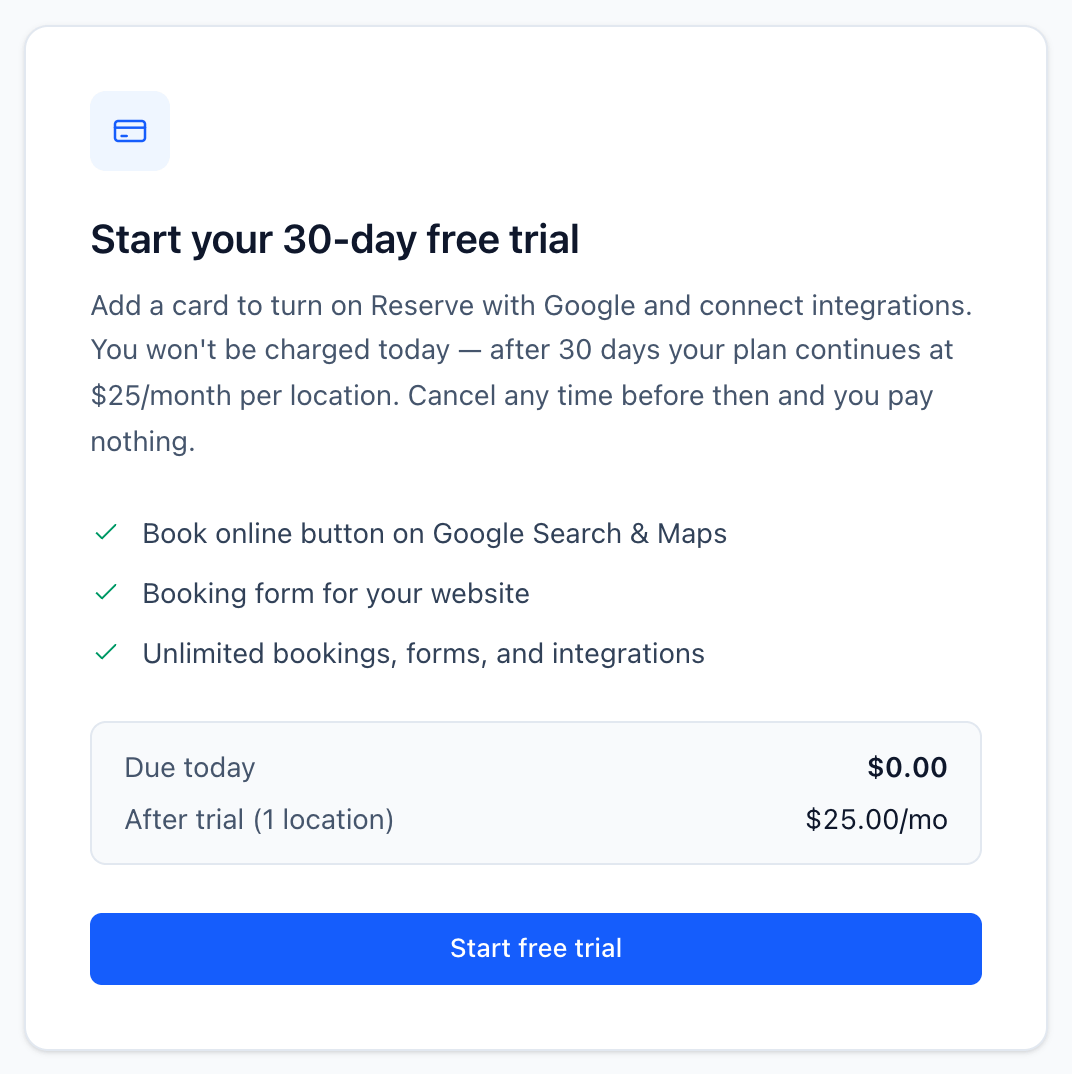
- Before the trial: click Start free trial.
- After a trial or cancellation: click Subscribe — $25/profile/mo.
- With a subscription: click Manage subscription to update your card, see invoices, or cancel in the Stripe customer portal.
Once you've started the trial, use Billing details on the same page to choose where Stripe sends invoices. Only owners and administrators can change billing. Managers see the page read-only.
If you don't subscribe
When the trial ends without an active subscription, the workspace is expired. Your data stays — forms, services, schedules, and requests are all kept. But:
- You can't create or copy forms.
- Requests and abandoned sessions are hidden in the app.
- Integration pages are locked.
- Reserve with Google is paused. The Book online button comes off Google until you subscribe.
Your booking forms keep taking bookings. Webhooks and notification emails still fire for them. Subscribe and everything is visible again right away.
Related