Billing
ConceptTrials
Every workspace gets one 30-day free trial with a card on file — how to start it, what's included, and what happens when it ends.
Updated Sep 30, 2026
Every ServiceReserve workspace gets one 30-day free trial. You don't need it to set up. You can build services, forms, and schedules, import your Google Business Profiles, and browse integrations without it.
Start the trial
You need the trial to turn on Reserve with Google or an integration. Trying either one sends you to Account → Subscription. You can also start any time from the Start 30-day free trial banner or the Subscription page.

- Click Start free trial.
- Add a card in Stripe Checkout. You pay $0 today.
- You return to ServiceReserve with the trial active.
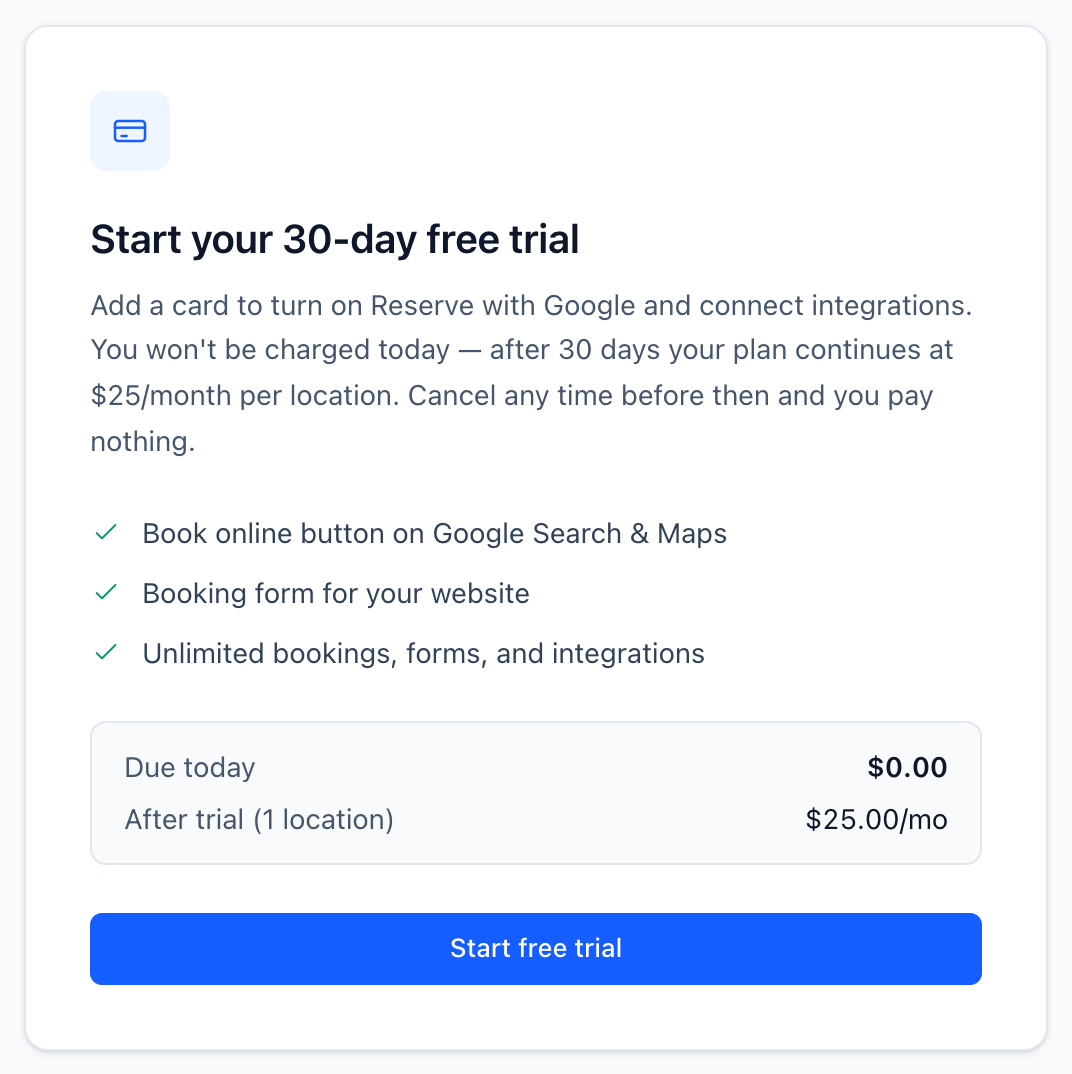
Only owners and administrators can start the trial.
What you get
For 30 days, the workspace has full access: unlimited forms, unlimited requests, Reserve with Google, integrations, and every other feature.
When the trial ends
On day 30 your plan continues at $25/month per active business profile, charged to your card. The date shows on Account → Subscription under First charge.
To avoid being charged, cancel before then. Go to Account → Subscription → Manage subscription and cancel in the Stripe portal.
If the trial ends without a subscription
If you cancel, or your card can't be charged, the workspace becomes expired. Your data stays — forms, services, schedules, and requests are all kept. But:
- You can't create new forms.
- Requests are hidden in the app.
- Integration pages are locked.
- Reserve with Google is paused. The Book online button comes off Google until you subscribe.
Bookings still come in, and webhooks and notification emails still fire for them. Subscribe and everything is available again right away. Reserve with Google comes back within 24–48 hours.
Reserve with Google during a trial
You can turn on Reserve with Google for any profile during the trial. It doesn't cost extra. Every active profile is one $25/month seat, whether Reserve with Google is on or not. See Profiles, seats & Reserve with Google.
Related